Manipulating the graph: Lasso
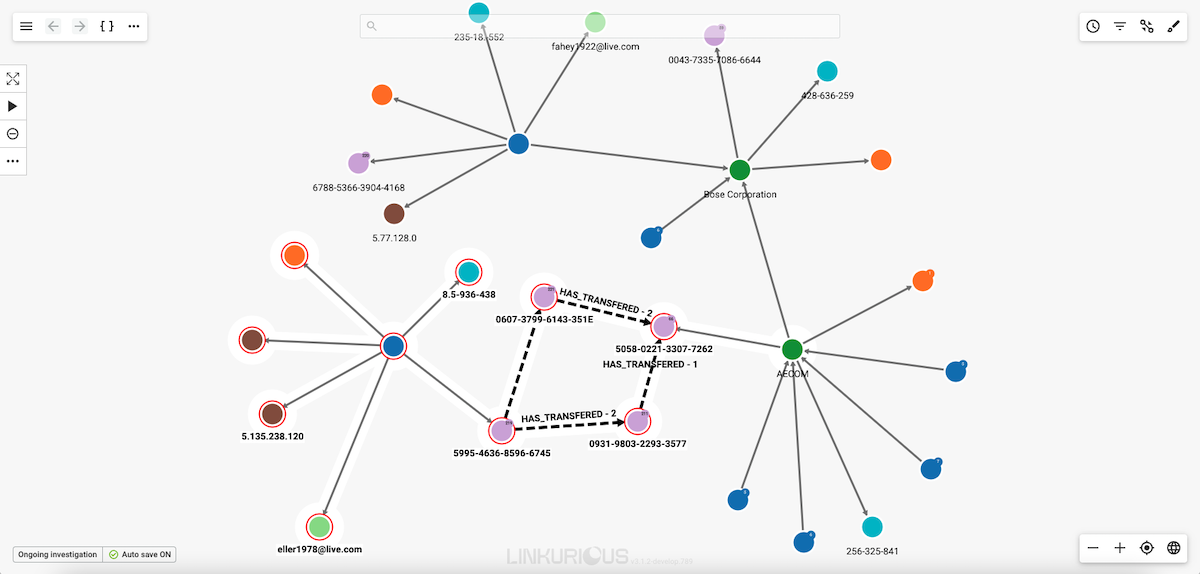
It is possible to select the nodes or edges within a particular area of your visualization. For that, Linkurious Enterprise provides a lasso.
To do so, click on the ... in the top menu or right-click on the background.
Select Lasso to select nodes or Edge Lasso for edges.
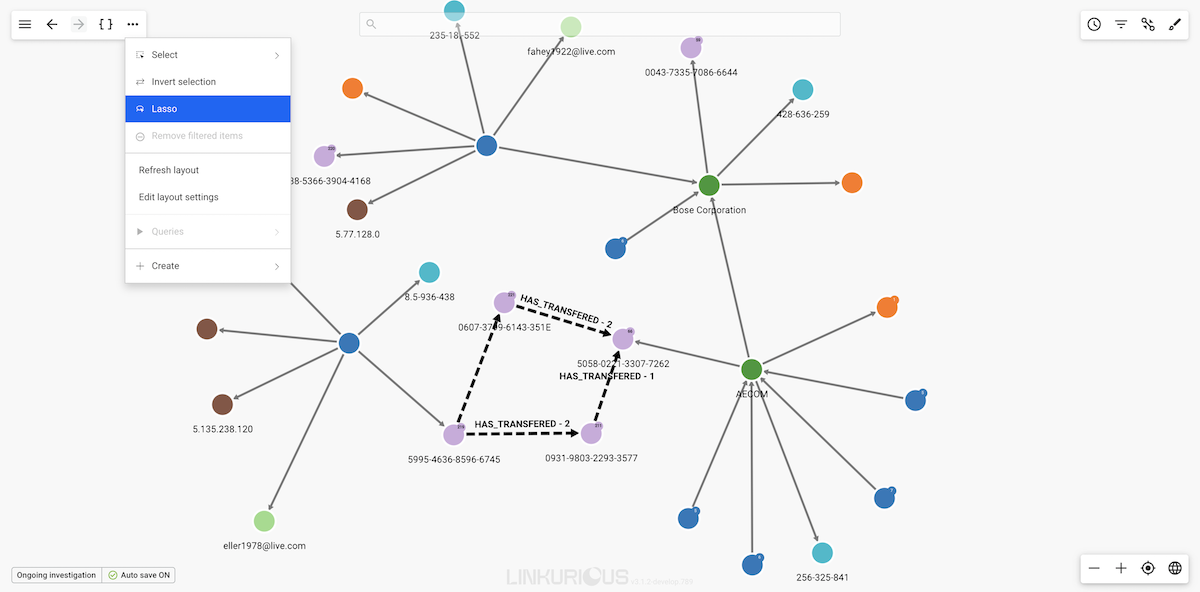
Move the lasso around the nodes or edges you are interested in selecting to select them.
You can also use the lasso by pressing the
ctrlkey (cmdon MacOS) while dragging with the mouse to draw the outline of the desired selection. For the edge lasso, usectrl+shift(cmd+shifton MacOS) while dragging.
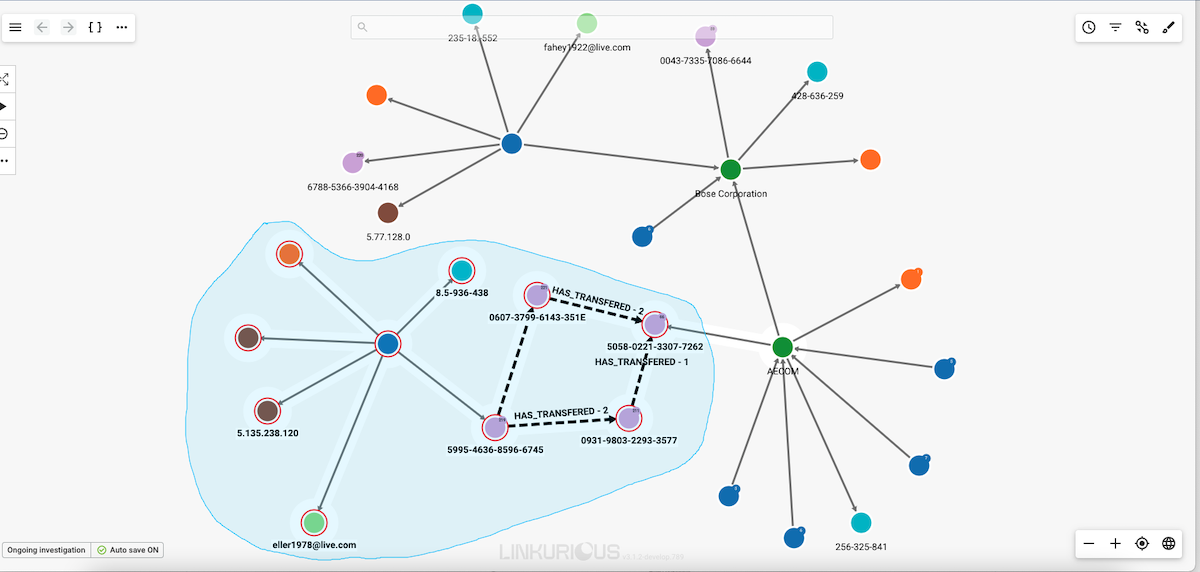
Release the mouse when you are finished and your selection is activated.