
Copilot: Context and conversations
Investigation context
Copilot uses the context in which it was opened to understand your question.
Depending on the situation, this can include:
- The current visualization.
- The current case view.
- The connected data source.
- The graph schema.
- The current conversation.
- Business context configured by an administrator.
Copilot can also use tools such as search and graph queries.
ℹ️ Copilot is not necessarily limited to the entities currently displayed in your visualization. When needed, it may search the connected graph or run a query to retrieve additional information within your access rights.
Be explicit about the intended scope when it matters. For example:
- “Only analyze the nodes currently displayed.”
- “Search the data source for other accounts connected to these entities.”
- “Use the current case as the investigation context.”
- “Do not include transactions before January 1, 2026.”
Continuing a conversation
Copilot remembers earlier messages from your current conversation. This allows you to ask follow-up questions without repeating all the context. However, there is a limit to this conversation history that Copilot can take into account, so the shorter and more focused a conversation is, the better performance you can expect.
For example:
You: Which accounts received funds from this company?
Copilot: Three accounts received funds during the selected period.
You: Which of those accounts later transferred funds to the same beneficiary?
Copilot uses the previous exchange to understand what “those accounts” refers to.
Returning to a conversation
When you leave and return to an investigation context, Copilot restores the latest available conversation.
This allows you to continue the most recent investigation without starting again.
Starting a new conversation
Select New conversation to begin a separate conversation without the previous messages as context.
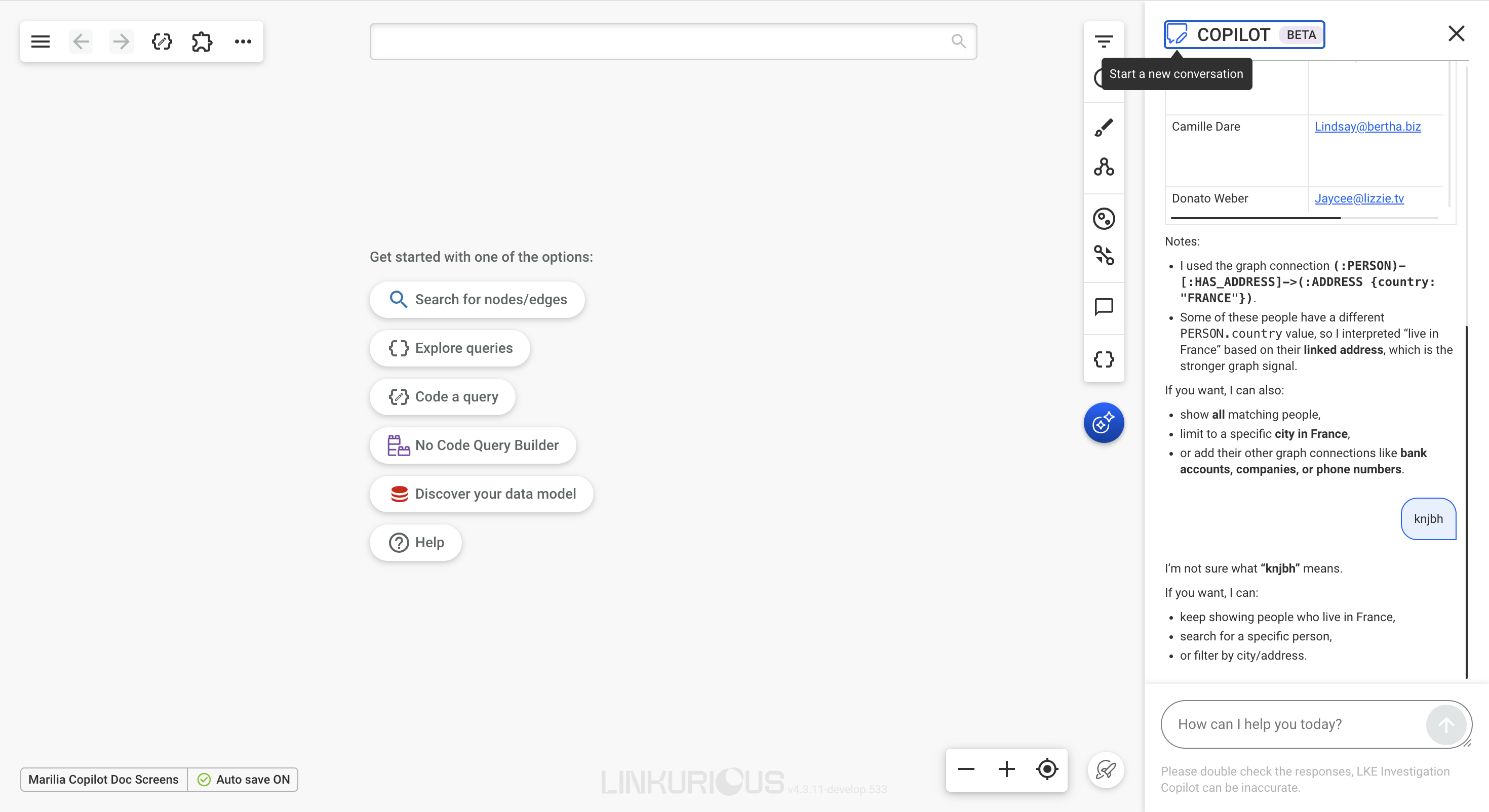
Only the latest conversation is currently available from the Copilot interface. Earlier conversations cannot currently be browsed or reopened.
⚠️ Starting a new conversation removes the previous conversation from the current Copilot view. Record important findings elsewhere before starting over.
Unsaved visualizations
Copilot displays a warning when it is opened from an unsaved visualization.
An unsaved visualization may provide less reliable investigation context or conversation continuity. Save the visualization before using Copilot for an extended investigation.
View-only visualizations
A warning is also displayed when the current visualization is in view-only mode.
In those visualizations, any unsaved graph items will not be visible to Copilot.