Copilot: Using Copilot
Before you begin
Copilot must be configured by an administrator before you can use it.
Your existing Linkurious Enterprise access rights apply when Copilot searches the graph, runs a graph query, read the current schema or the current graph view. Copilot cannot give you access to information that are not available to your account.
For the most reliable results, save your visualization before starting a Copilot conversation.
Opening Copilot
To open Copilot:
- Open a visualization or a case.
- Open the Copilot panel.
- Select one of the suggested prompts or enter your own question.
- Send your question.
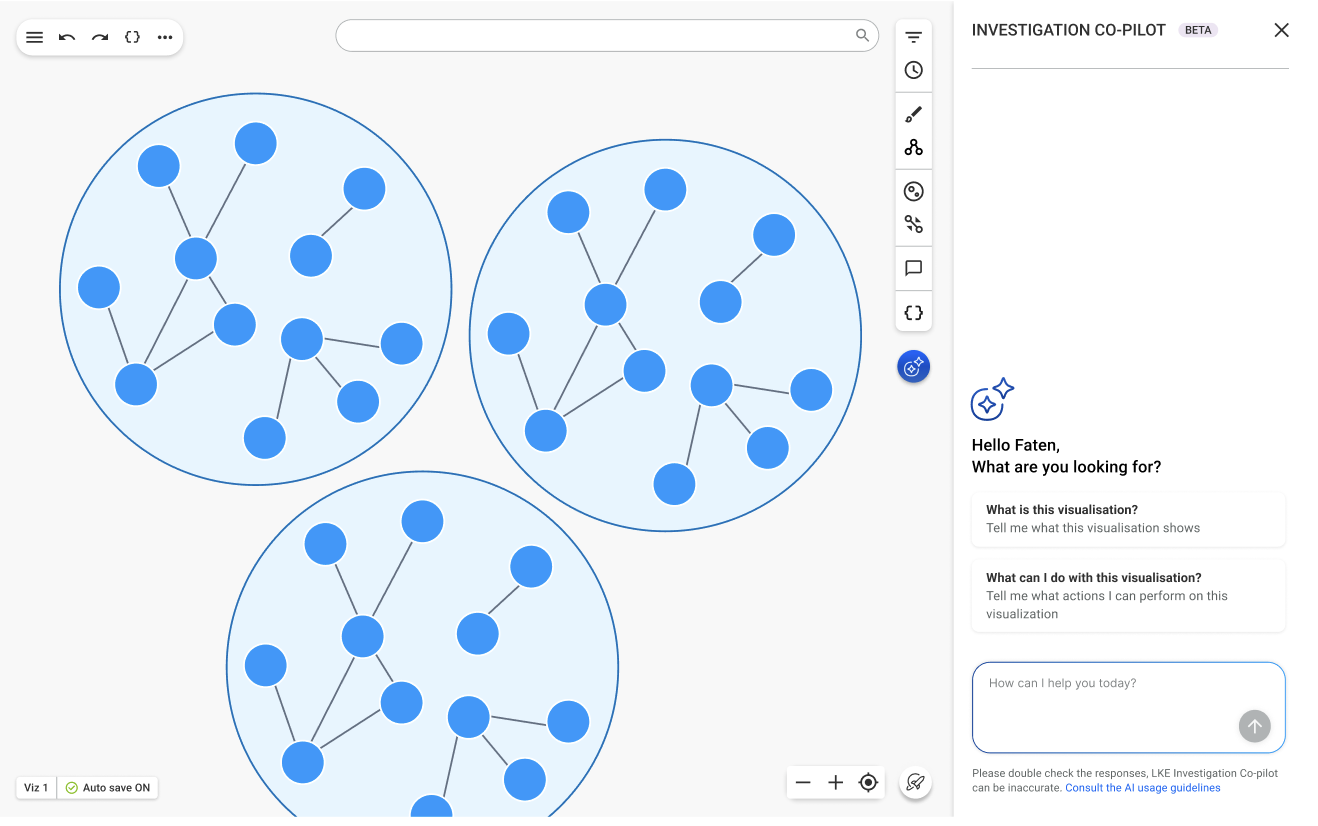
Copilot displays a placeholder while it prepares its response. Responses can contain formatted text such as headings, lists, tables, and code blocks.
You can continue the conversation by asking follow-up questions. Copilot uses earlier messages from the current conversation as additional context.
Writing effective prompts
Provide enough detail for Copilot to understand your objective.
Where relevant, include:
- The entity or group you want to investigate.
- The type of relationship or transaction.
- A time period.
- A minimum or maximum value.
- The direction of a flow.
- Whether Copilot should focus on the current visualization or look for additional information.
- The format you want for the answer.
For example, instead of asking:
What is happening?
Ask:
Summarize the transactions involving Account 123 during March. Identify the main counterparties, the direction and total value of the transfers, and any unusual paths that should be reviewed.
You can refine a response with follow-up questions such as:
- “Focus only on outgoing transactions.”
- “Explain why the second entity is important.”
- “Limit the analysis to the last seven days.”
- “Show the facts separately from the hypotheses.”
- “What evidence supports that observation?”
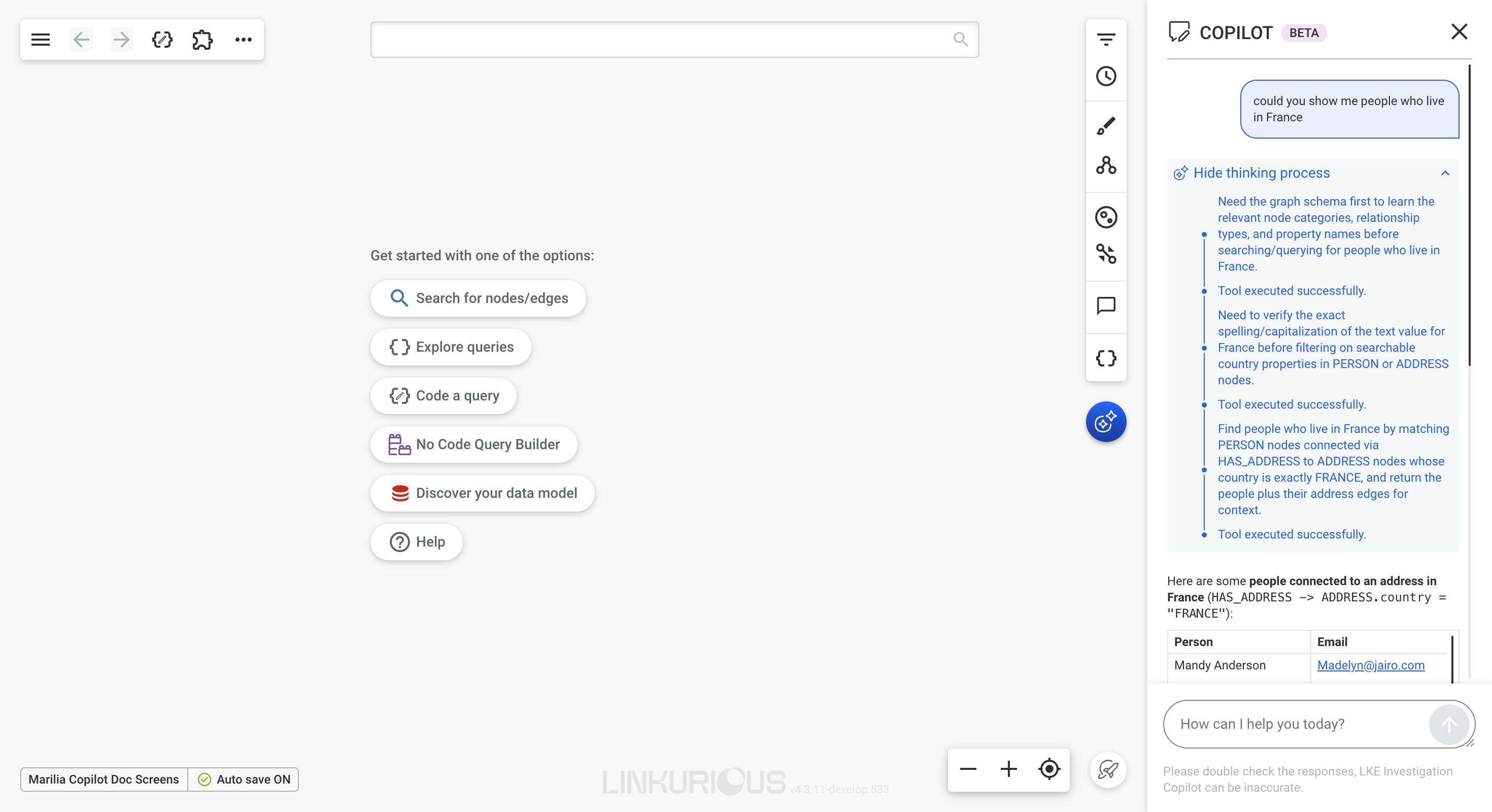
Reviewing Copilot's activity
While Copilot works, the panel displays its progress.
After a response is generated, you can expand the activity section to review the high-level steps Copilot performed, such as:
- Reading the graph schema.
- Searching for an entity.
- Running a graph query.
- Reviewing the returned results.
- Preparing the response.
The displayed steps are a summary of Copilot's actions. They are not a complete record of the model's internal reasoning.