Manipulating the graph: Move nodes and edges
It is possible to move graph elements from a visualization to a new or exisitng visualization.
In order to do so, you can select one or multiple nodes. Once the graph elements have been selected, you can right click on the selected elements. From the menu, select the Open selection in option.
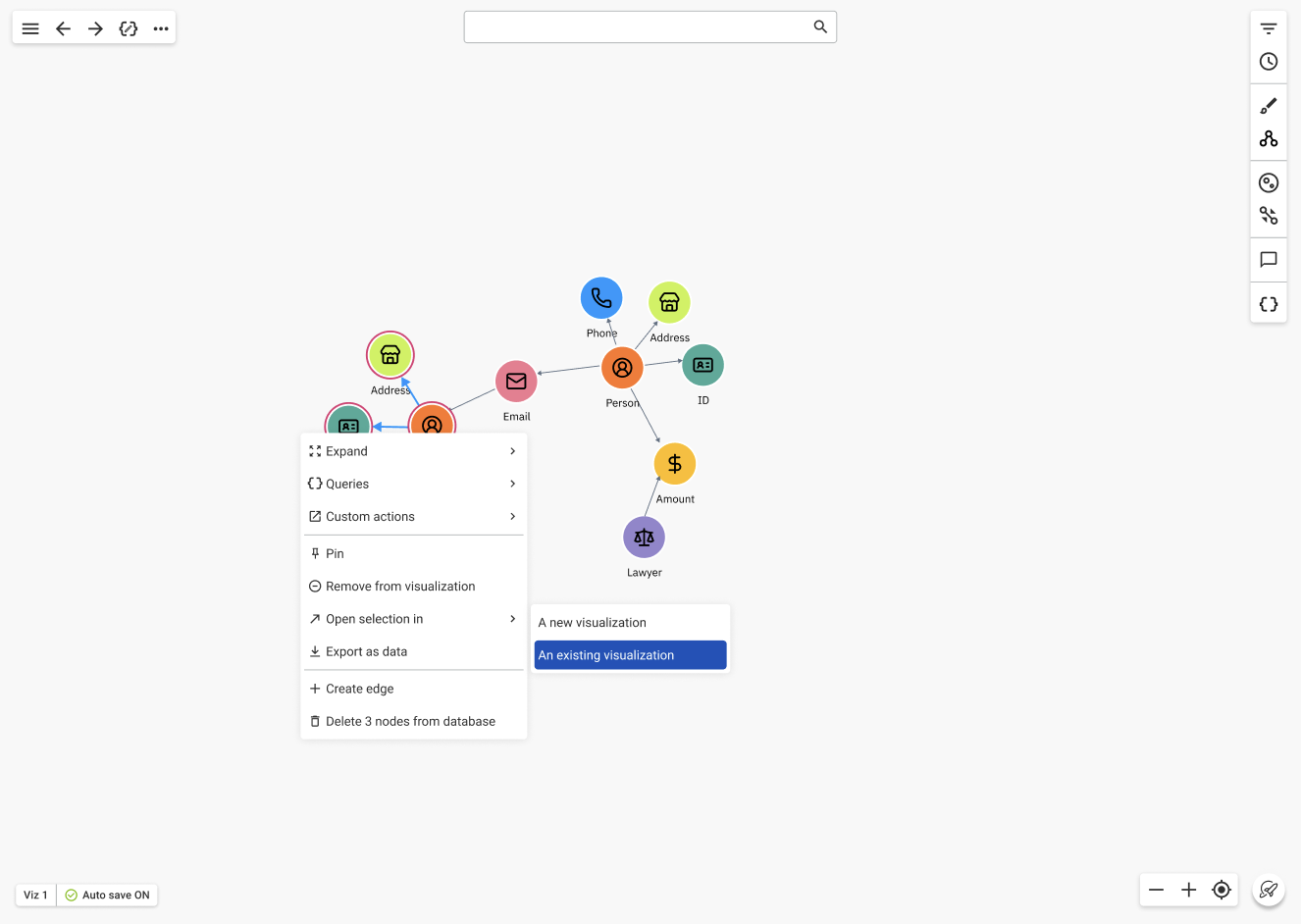
You can copy the selected nodes and/or edges to a new visualization. Moreover, you can open a new visualization including the selection and graph data from an existing visualization.
You can use standard keyboard shortcuts (
ctrl/cmd+c&&ctrl/cmd+v) to copy and paste graph elements between visualizations.
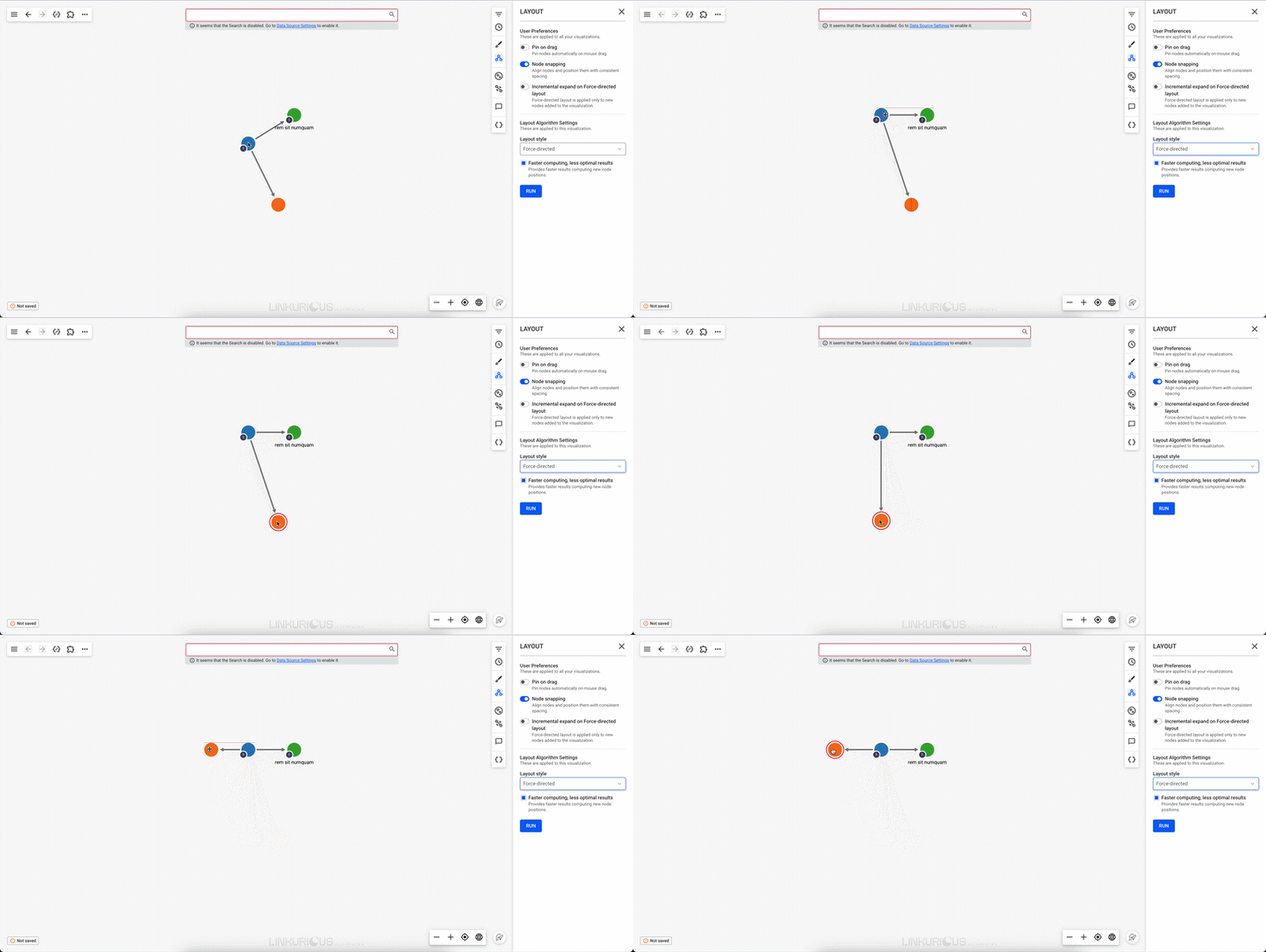
Node Snapping
Enabled from Layouts Settings, Node Snapping option helps positioning and evenly spacing nodes when you move them in your visualization.